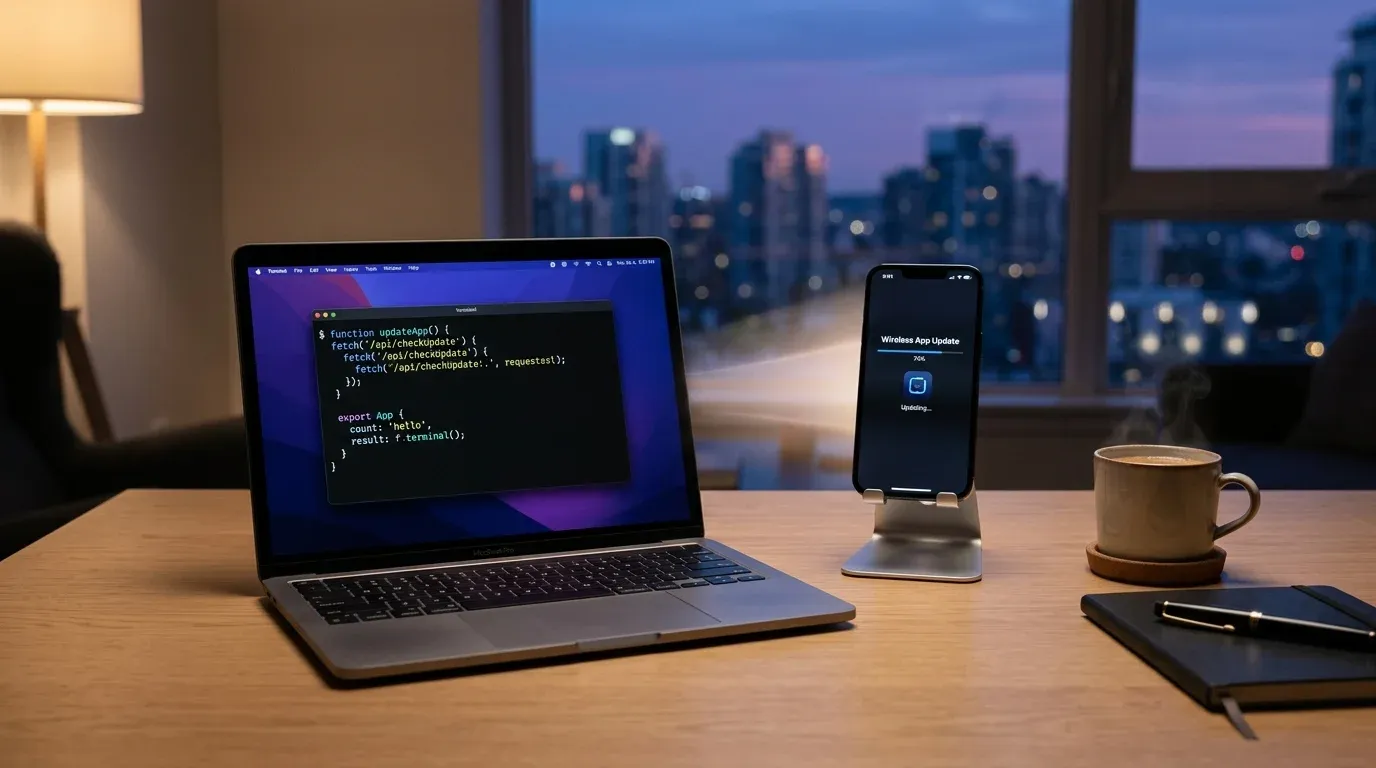
For the longest time, whenever I wanted to test an iOS side project on my physical iPhone, I had to hunt down a USB cable. While the iOS Simulator is great for quick UI tweaks, testing real-device interactions and performance inevitably requires physical hardware. Having to sit right next to my laptop with my phone tethered by a short cord always felt clumsy and restrictive.
Apple allows anyone with a free Apple ID to build and install apps on personal devices without paying for the full developer program. The catch, however, is that free certificates come with a strict seven-day lifespan, and Xcode generally expects you to deploy directly through a wired or local network connection.
A few days ago, while taking a break between builds, an old memory crossed my mind. Years ago, enterprise teams used Apple’s Over-The-Air (OTA) deployment protocol (itms-services://) to distribute internal test builds. All iOS needs is a simple manifest.plist file pointing to an .ipa package. When you tap a link with that protocol in Safari, iOS happily prompts you to install the app straight to your home screen.
There was only one catch: Apple strictly enforces HTTPS with a valid, trusted SSL certificate for OTA manifests. A plain local IP address like http://192.168.1.50 simply gets rejected by Safari.
Right at that moment, the puzzle pieces fell into place. While familiar tunneling tools like ngrok immediately crossed my mind, Cloudflare Tunnel has a remarkably clean ad-hoc feature (cloudflared tunnel --url ...). Unlike ngrok’s free tier, which requires auth tokens and injects an interstitial browser warning screen that can disrupt Safari’s automated installer, Cloudflare’s Quick Tunnel spins up instantly with zero signup. With a single command, it creates a secure public tunnel with a valid HTTPS certificate on trycloudflare.com—no public IP, domain routing, or certificate renewal required.
I decided to spend an evening stitching these ideas together into a simple automated script.
First, the script uses xcodebuild with generic device targeting to compile my project using my personal development team ID. Once the build finishes, it bundles the .app inside a Payload directory and compresses it into an .ipa file. It also inspects the embedded mobile provisioning profile to see exactly how many days and hours remain before the seven-day free certificate expires.
Next, it spins up a lightweight local Python HTTP server to host the build directory, and starts a Cloudflare Quick Tunnel in the background. As soon as Cloudflare assigns a live HTTPS URL, the script dynamically generates a manifest.plist and a clean mobile web page featuring a direct “Tap to Install” button.
To make the experience even smoother, I added a tiny macOS automation at the end. Using AppleScript, the script automatically sends the newly generated Cloudflare link directly to my iPhone via iMessage as an interactive preview card.
When I ran the completed workflow for the first time, the feeling was almost magical. I sat back on the couch, kicked off the build script in my terminal, and within a minute, my phone chimed on the coffee table. I tapped the iMessage link, Safari opened the landing page, and iOS asked if I wanted to install the update. Within seconds, the fresh build appeared on my home screen.
Because it runs under a free Apple developer account, iOS does require you to trust the developer certificate once in Settings (Settings -> General -> VPN & Device Management) on the very first install. After that, updates slide right onto the phone without any extra prompts.
Small workflow frictions often drain our creative energy when hacking on side projects. Being able to push a native iOS build from my laptop to my phone across the room—completely cord-free—made developing native features fun again.